
1
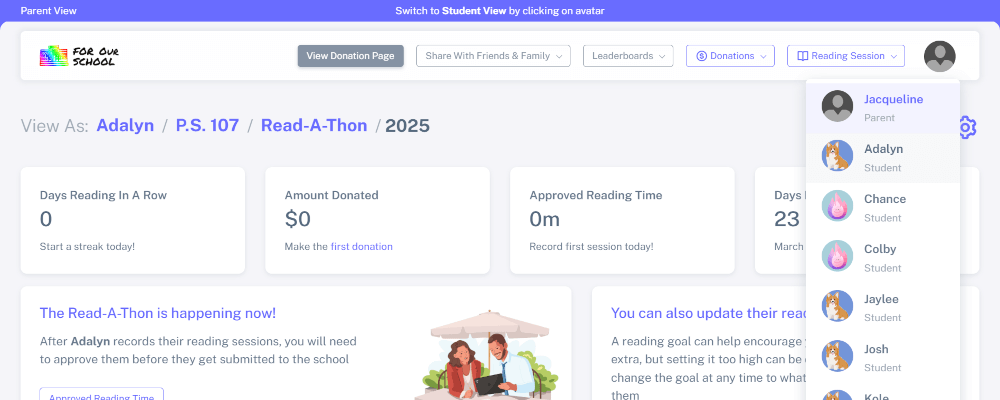
Reading time can be recorded from the "Parent View" or the "Student View". If recorded from "Student View", recorded time may need to be approved by parents
2
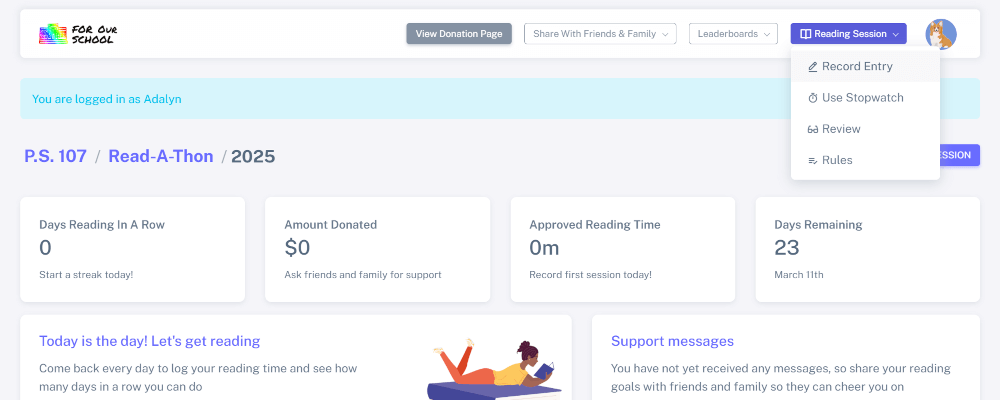
Click the "Reading Session" dropdown and select "Record Entry" to record time previously read
3
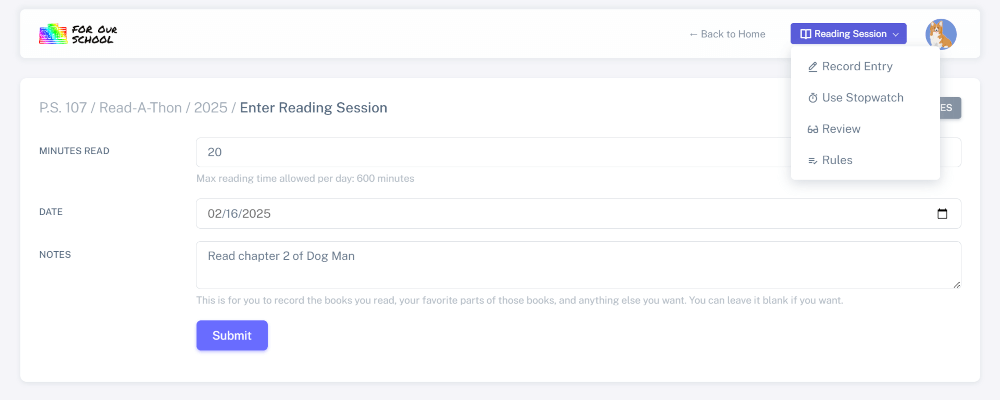
The "Notes" field is optional and will only be shown to you

4
Alternatively, if your student is actively reading, they can use our stopwatch to record reading time
5
Click "Start" when they begin reading and "Submit" when they finish. This reading time does not need to be approved by parents


