1
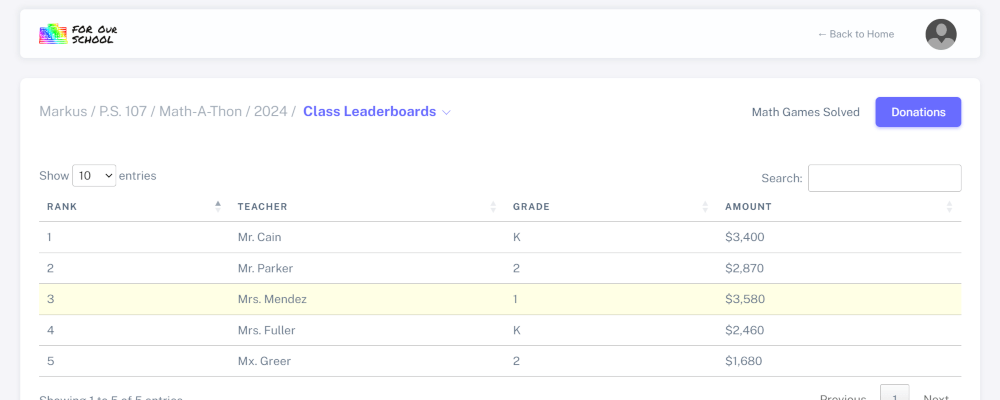
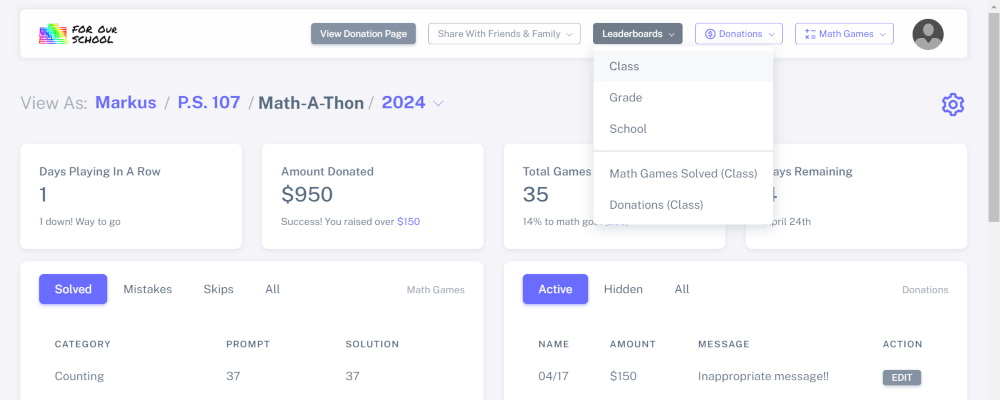
To view leaderboards (if available), click the "Leaderboards" dropdown
2
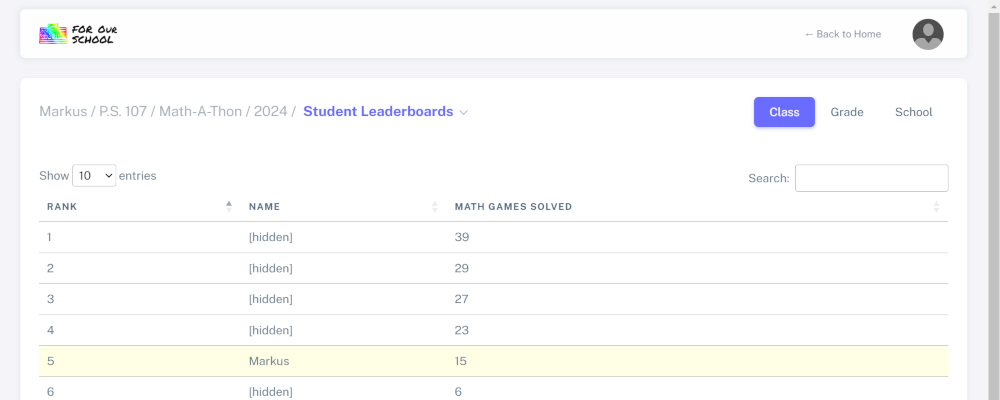
In "Class" leaderboards, your child's classmates' names will be hidden and no other personal information will be shown
3
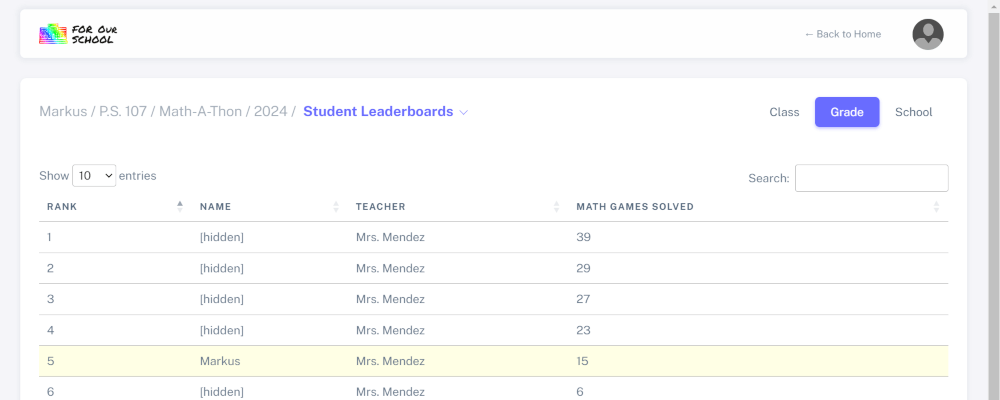
In "Grade" leaderboards, only other students' teacher name will be shown
4
In "School" leaderboards, only other students' grade level will be shown
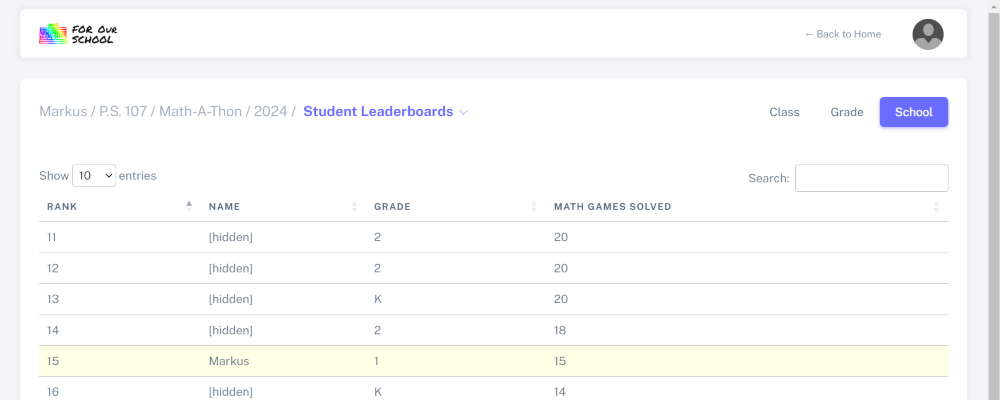
5
You can view leaderboards that compare classes by clicking the "Student Leaderboards" link
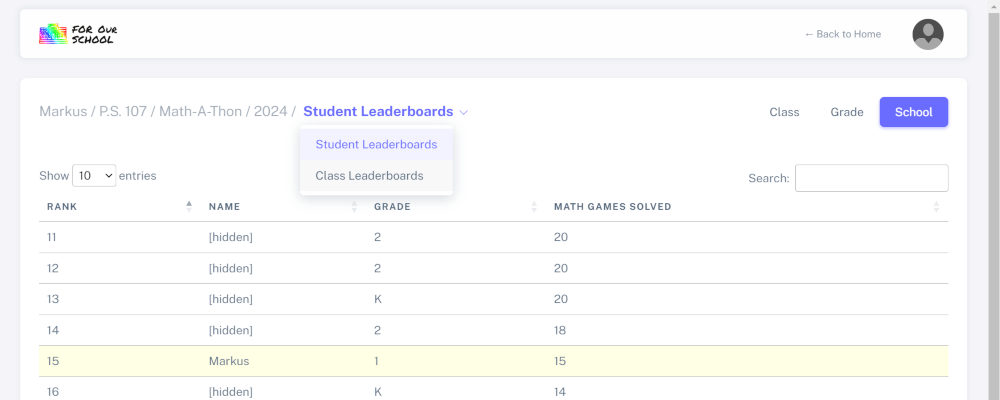
6
In "Math Games Played" class leaderboards, you can see the teacher names, but not the student names

7
Same with "Donations" class leaderboards