1
Yes, you can set the date you want the leaderboards to reset
2
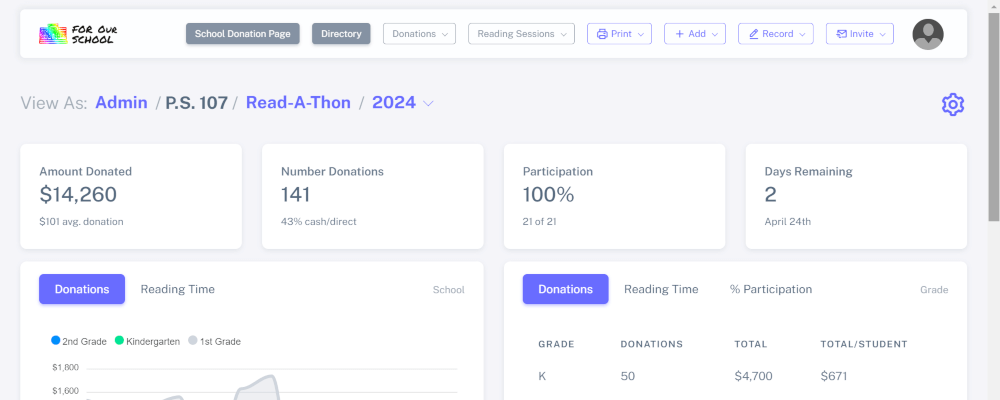
Scroll down to the leaderboard section in the dashboard and click "Reset Leaderboard"

3
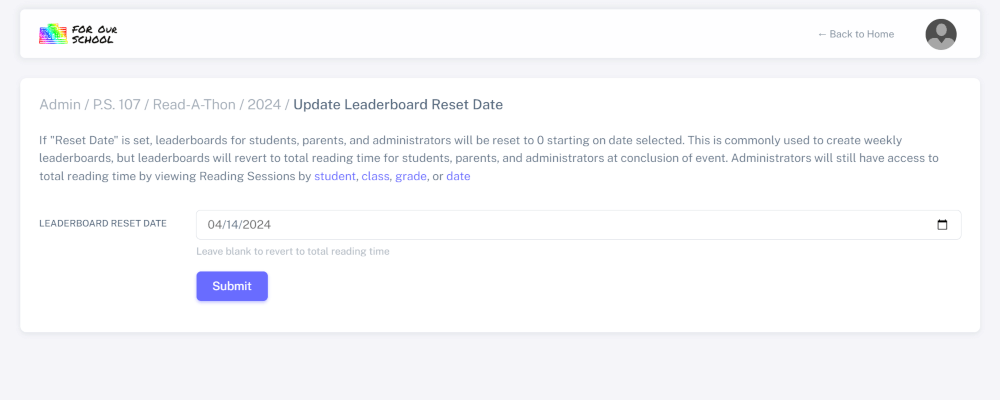
Enter date you want leaderboards reset in the "Leaderboard Reset Date" field and click "Submit"
4
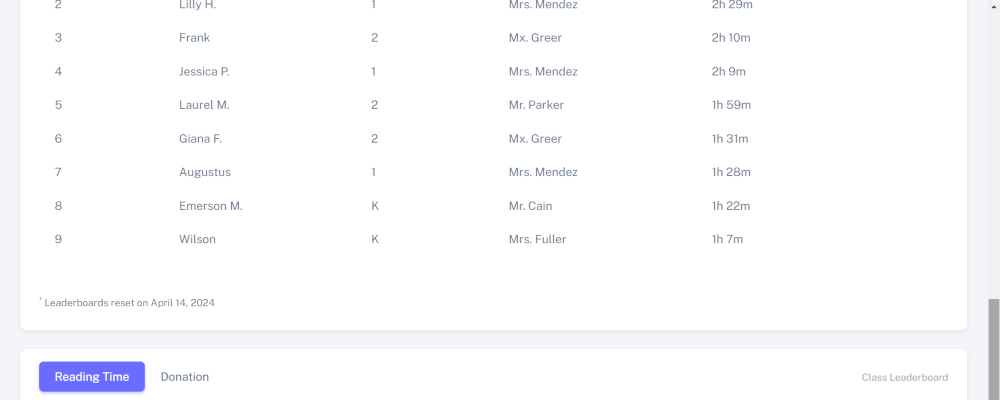
You will now see a note on the leaderboards in the dashboard stating the date the leaderboards were reset
5
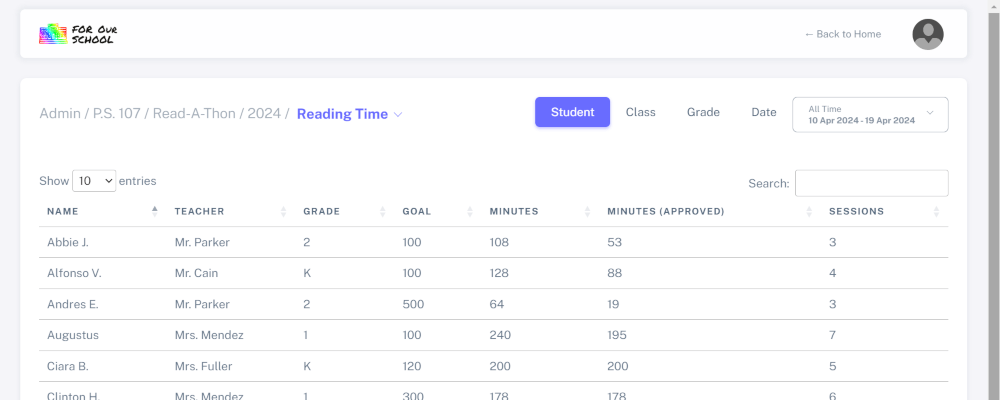
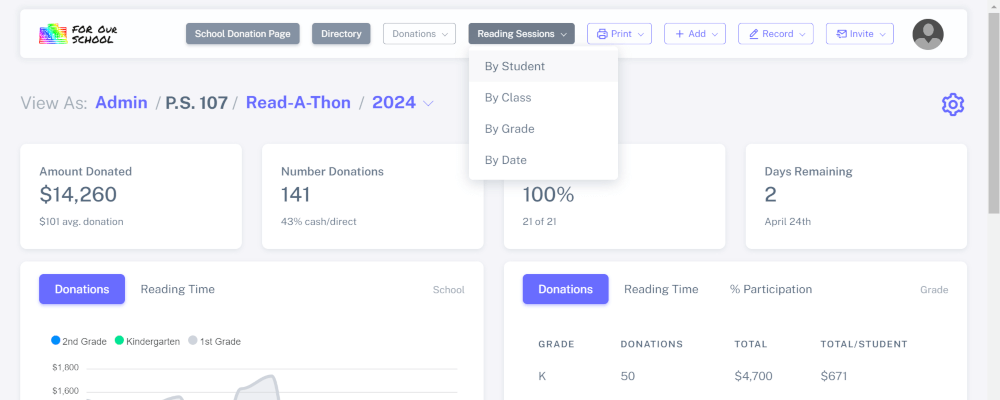
To view total reading times after reset date has been set, click "Reading Sessions" dropdown and select "By Student"
6
Click the "Minutes" column header to sort students by total reading time