1
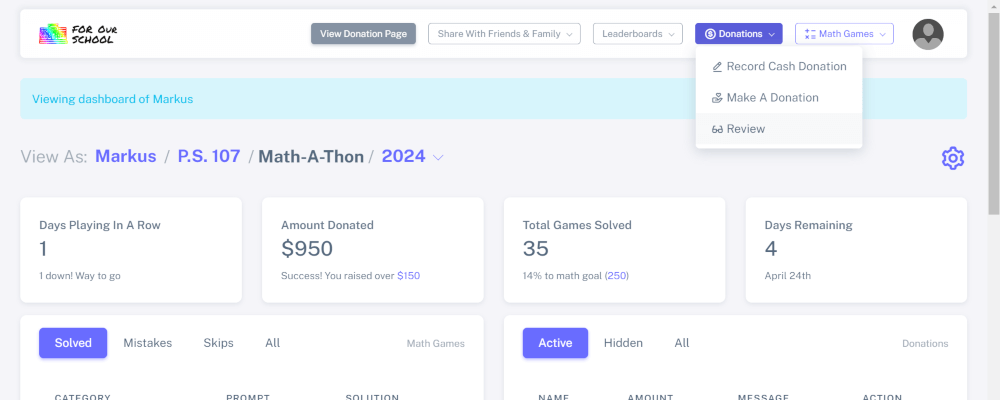
Login to your account and click the "Donations" dropdown and select "Review"
2
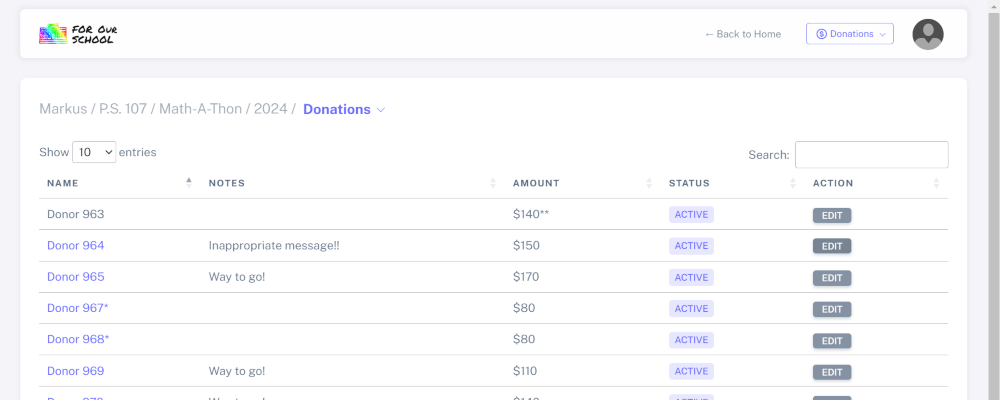
Find the donation with the inappropriate message and click the "Edit" button
3
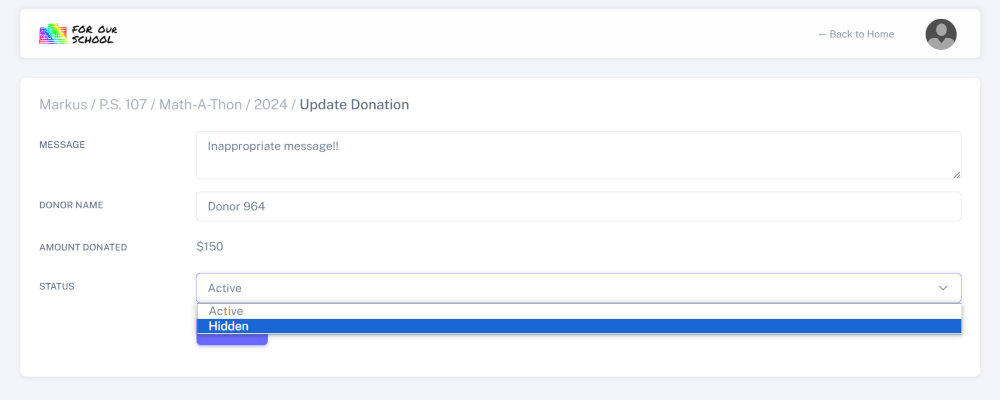
Change the "Status" field to "Hidden" and click "Submit". The message will no longer display in your child's profile or on their donation page